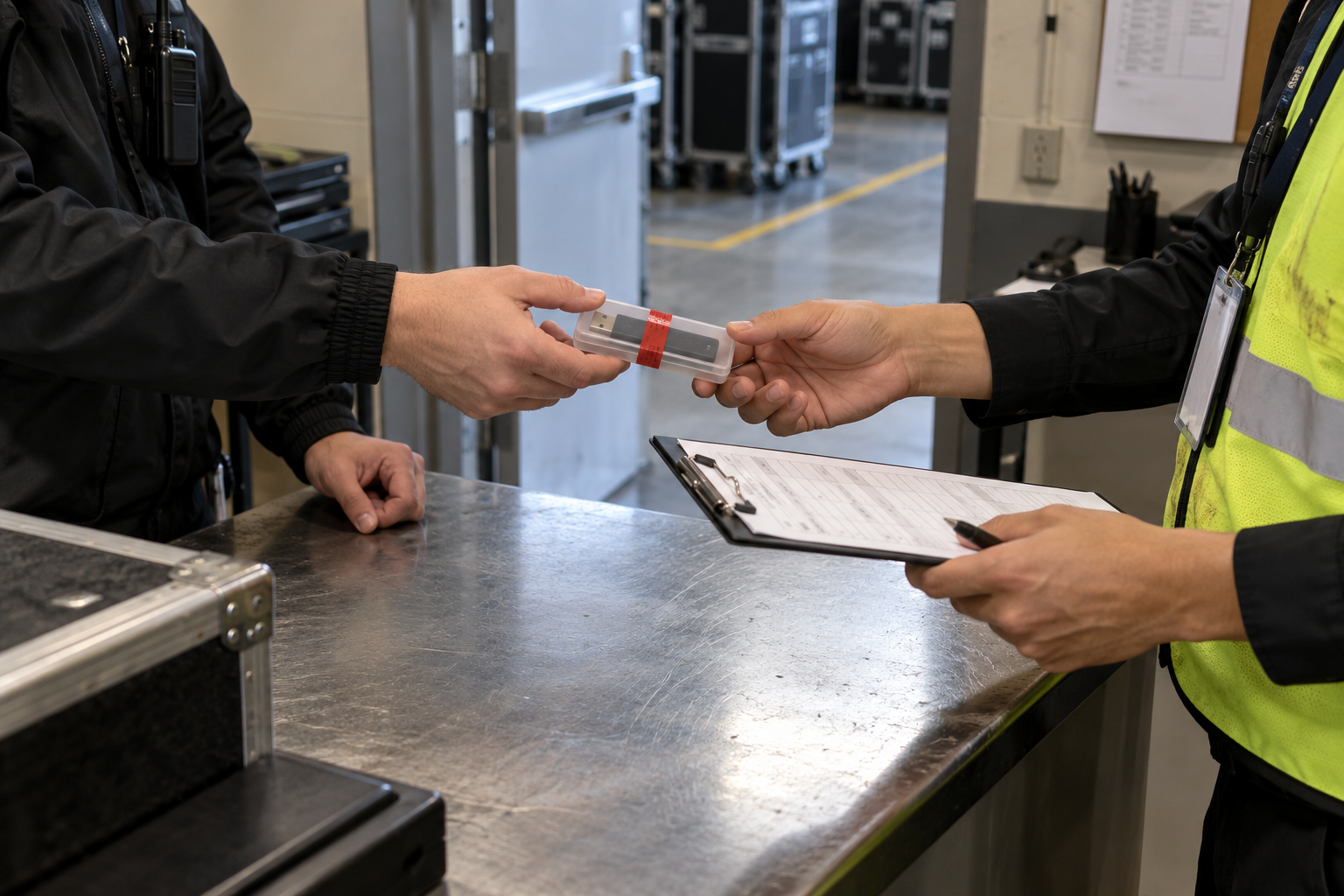
Make physical custody as clear as file access
A password cannot show who held the drive, whether the right person received it or when responsibility changed. Use a non-sensitive drive identifier, named custodian, sealed case, handoff receipt and incident contact.
A production manager releases drive EVT-07 to the verified audio vendor lead at the venue office. Both confirm the sealed case, delivery milestone and return deadline; the password follows through a separate route.
Run this control before handoff
- 01
Assign a non-sensitive drive ID and package ID.
- 02
Record sender, named recipient, role and authorization.
- 03
Seal the case and record condition without printing the password.
- 04
Confirm time, place, milestone, receipt and return/destruction terms.
- 05
Provide a monitored incident contact and escalation window.
Log the operational evidence
Record drive/package ID, sender, recipient, role, authority, seal condition, time/place, milestone, secret route, receipt, return state and exceptions.
Stop the handoff when
- The recipient is a generic crew label.
- The password appears on the case or receipt.
- No one owns incident response after handoff.
State the protection boundary
Do not equate with hardware-encrypted drives or untested Mac/Android compatibility. Password protection does not replace recipient authorization, endpoint policy, backup, recovery or physical chain of custody.
Event USB handoff questions
Should the event name be printed on the drive?
Use the minimum identifier needed for custody without advertising sensitive context.
Does a signature prove confidentiality?
No. It supports custody evidence, not the technical protection claim.
Sources for this decision
Links support specific boundaries and do not imply endorsement.