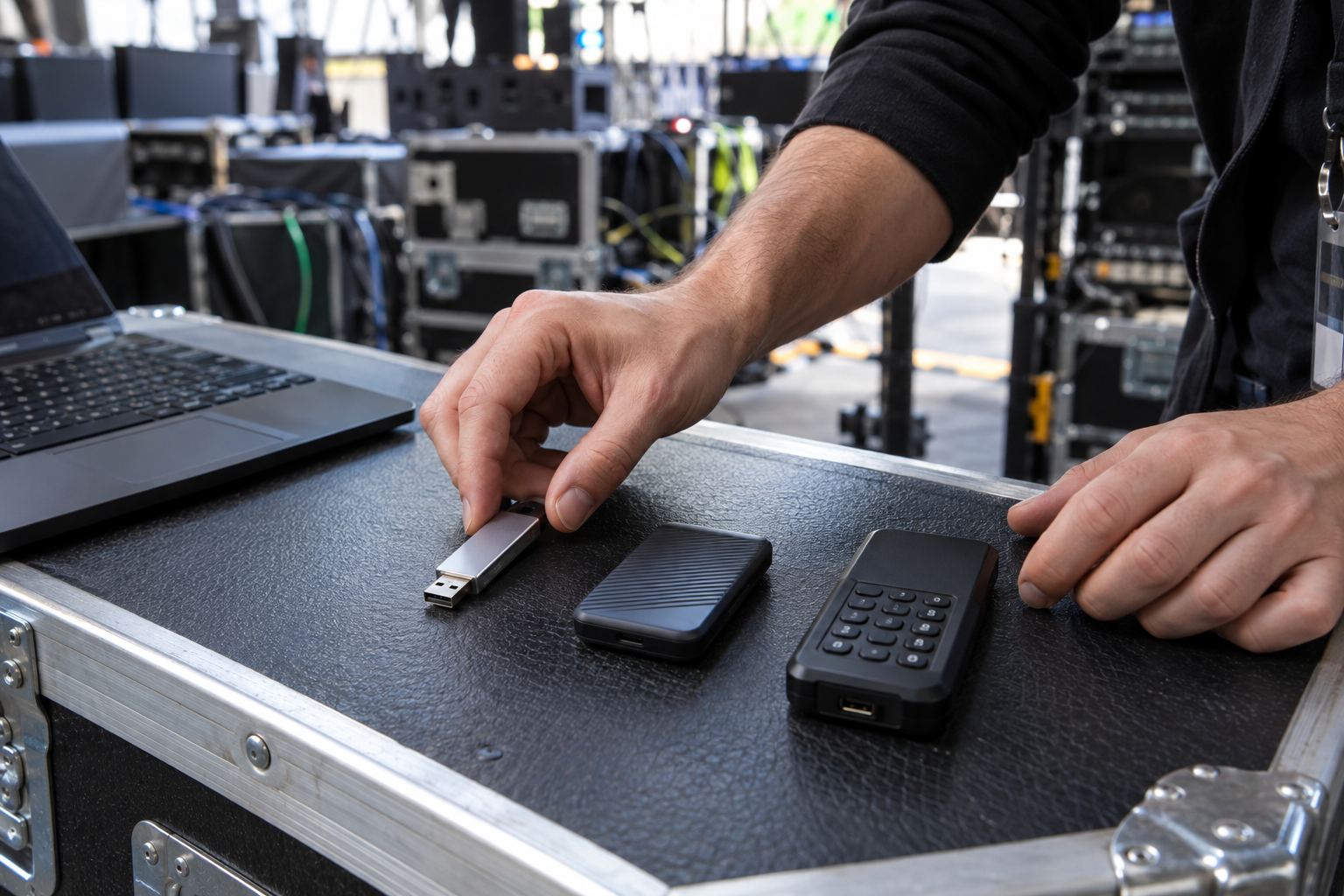
Compare the security boundary before choosing
File/container protection, operating-system drive encryption and hardware-encrypted media solve different problems. Compare recipient compatibility, whole-drive coverage, key management, recovery, tamper resistance, policy support and loss consequences.
A producer compares USB Secure, BitLocker To Go and a keypad hardware-encrypted drive. The vendor workflow needs cross-device offline access, while organizational policy requires managed recovery. The team chooses the approved option after representative testing.
Run this control before handoff
- 01
Define the threat, data sensitivity and recipient environments.
- 02
Identify whether protection covers files, a container or the whole drive.
- 03
Compare unlock method, platform support and endpoint-policy fit.
- 04
Compare recovery, administration, assurance and procurement requirements.
- 05
Test the selected method and record rejected alternatives.
Log the operational evidence
Record option, protection boundary, supported systems, unlock method, recovery owner, assurance claim, policy fit, test result, rejection reason and approver.
Stop the handoff when
- All password-protected USB products are called equivalent.
- Hardware encryption is claimed without device evidence.
- Recovery consequences are absent from the decision.
State the protection boundary
Do not equate with hardware-encrypted drives or untested Mac/Android compatibility. Password protection does not replace recipient authorization, endpoint policy, backup, recovery or physical chain of custody.
Event USB handoff questions
Is software password protection hardware encryption?
No. Treat them as different designs with different assurance and compatibility.
Is BitLocker To Go available everywhere?
No. Windows edition, policy and recipient compatibility matter.
Sources for this decision
- NIST SP 800-111: Storage encryption
- Microsoft: BitLocker To Go FAQ
- Microsoft: BitLocker recovery overview
Links support specific boundaries and do not imply endorsement.