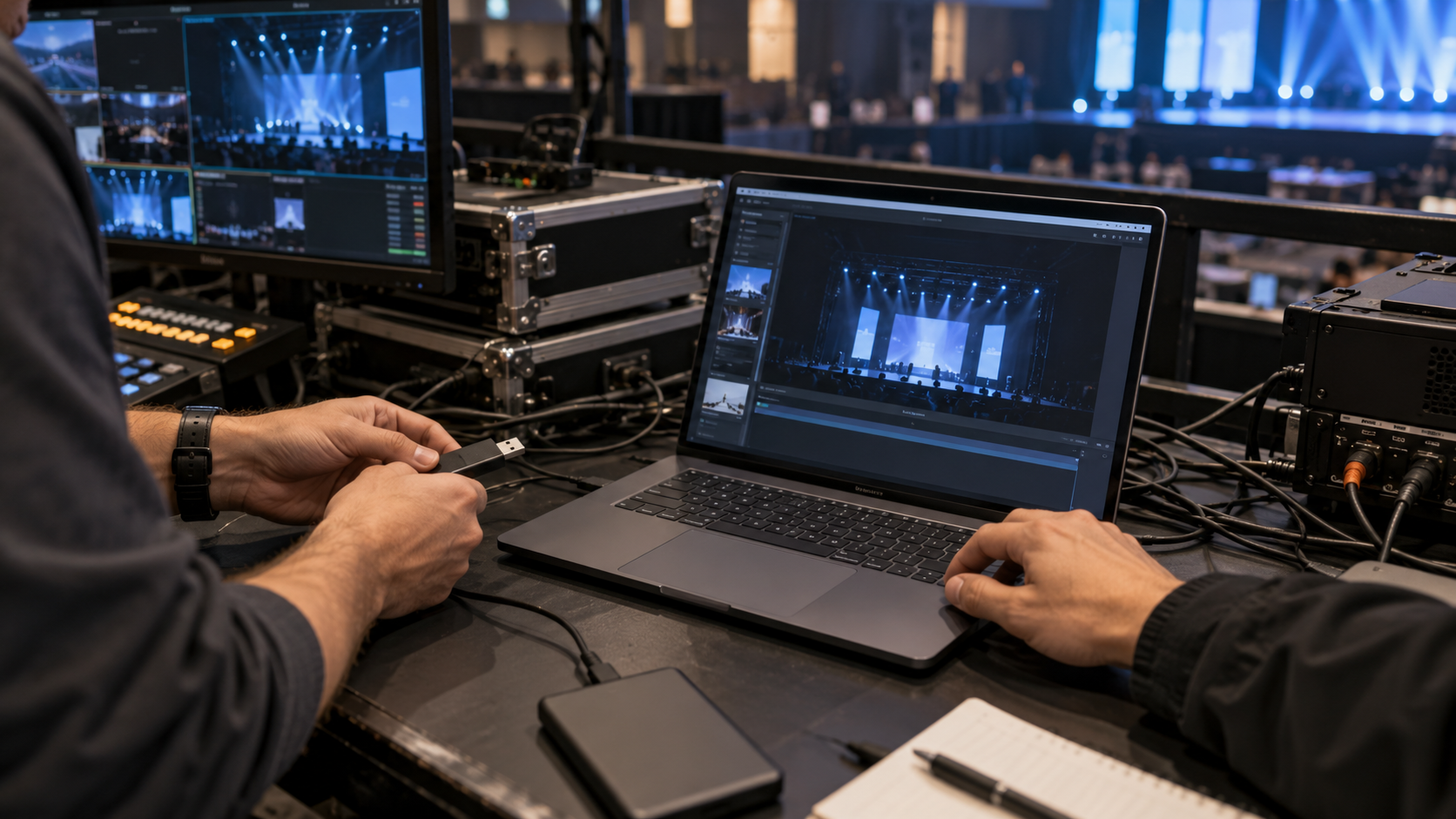
Test the real offline route before show day
A handoff succeeds only when the permitted recipient computer can recognize the filesystem, run the required flow and open representative files without network access. Test policy restrictions, security tooling and recovery before dispatch.
The production office uses a vendor-class laptop disconnected from the network. A person acting as the recipient unlocks the test package, opens the schedule and plan, closes the tool, reconnects the drive and records every warning and limitation.
Run this control before handoff
- 01
Use a permitted device representative of the recipient environment.
- 02
Disconnect unnecessary network access and record the test conditions.
- 03
Insert, recognize, unlock and open representative files.
- 04
Close, remove and reconnect the drive to repeat access.
- 05
Document warnings, residues, timing and the approved fallback.
Log the operational evidence
Record drive ID, device/OS, permissions, endpoint policy, network state, test files, unlock result, residue, elapsed time, fallback and approver.
Stop the handoff when
- The test uses only the sender’s computer.
- Internet access silently supports the unlock flow.
- Endpoint protection blocks or quarantines the software.
State the protection boundary
Do not equate with hardware-encrypted drives or untested Mac/Android compatibility. Password protection does not replace recipient authorization, endpoint policy, backup, recovery or physical chain of custody.
Event USB handoff questions
Is opening one file enough?
No. Exercise the full recipient flow including reconnect and close.
Should Mac or Android access be assumed?
No. Test and document each intended platform explicitly.
Sources for this decision
Links support specific boundaries and do not imply endorsement.