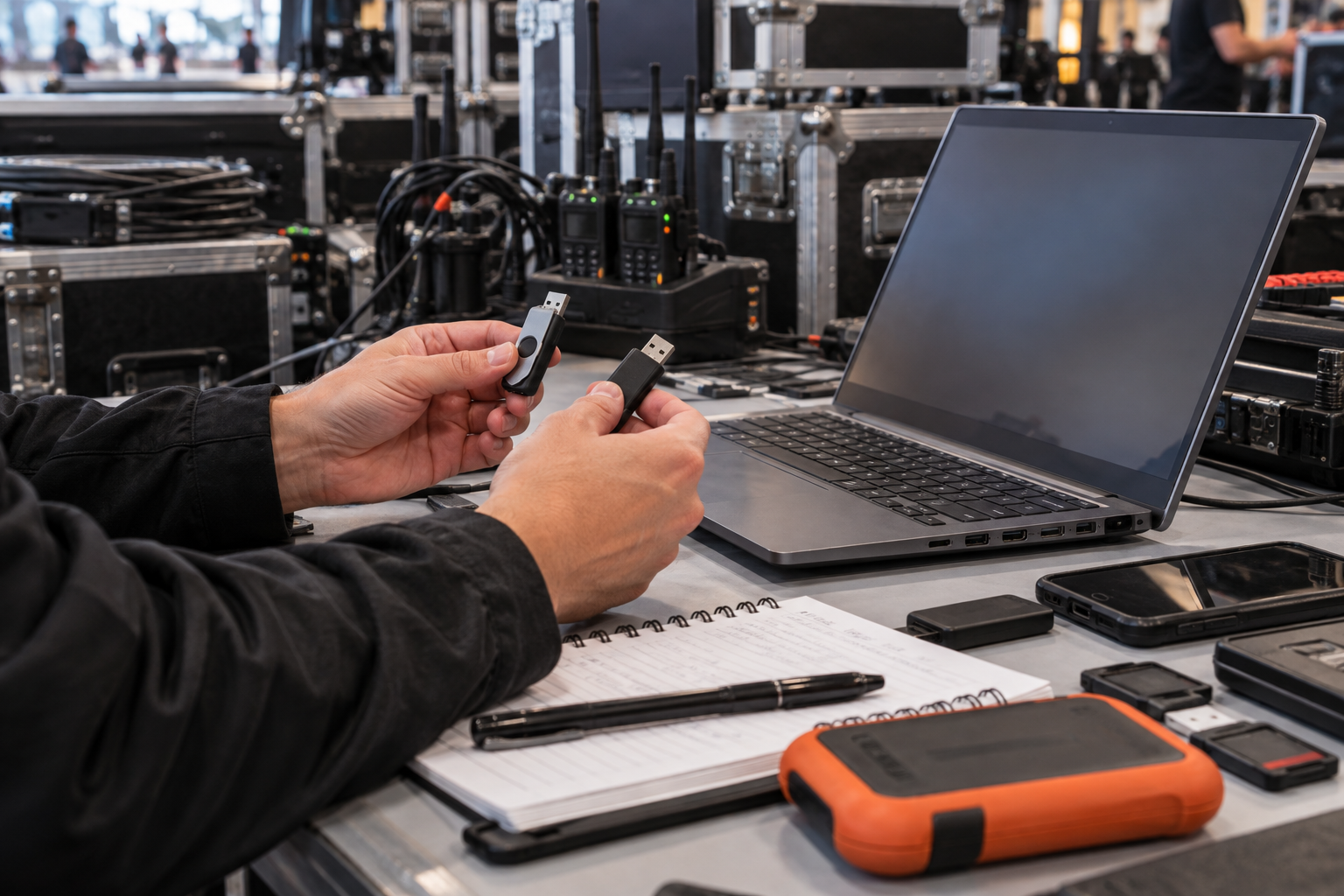
Fit the drive to the recipient environment
Capacity is only the first decision. Confirm the recipient operating system, permitted ports, filesystem, file sizes, endpoint restrictions and whether executable software can run. Choose another transfer route when the receiving environment is unknown or managed USB use is blocked.
A show caller needs to hand a lighting vendor schedules, patch sheets and approved reference media. The vendor laptop is managed Windows hardware, but executable tools are restricted. The production manager tests the exact drive and chooses an approved alternative for protected access.
Run this control before handoff
- 01
List the exact delivery files, sizes and approved recipient.
- 02
Confirm recipient OS, ports, filesystem and removable-media policy.
- 03
Check whether executable software and administrator actions are permitted.
- 04
Test a representative file set on a permitted recipient-class device.
- 05
Record the drive model, format, result and fallback route.
Log the operational evidence
Record drive ID, capacity, filesystem, recipient device class, OS, policy owner, largest file, protection method, test result, fallback and approval.
Stop the handoff when
- The recipient device and policy are unknown.
- A file exceeds the selected filesystem limit.
- The delivery depends on software the recipient cannot run.
State the protection boundary
Do not equate with hardware-encrypted drives or untested Mac/Android compatibility. Password protection does not replace recipient authorization, endpoint policy, backup, recovery or physical chain of custody.
Event USB handoff questions
Is a USB drive universally portable?
No. Filesystems, ports, operating systems and endpoint policies differ.
Should compatibility be tested with real confidential files?
Use representative non-sensitive files first.
Sources for this decision
Links support specific boundaries and do not imply endorsement.